Create a 3D/2D project
- Sign in to your Organization
- Connect your 3D camera to the application.
- Place a measurement marker indicating a height of 1 meter (4 ft) from the floor in a visible location within your first panorama.
- Begin capturing the tour.
Capture Application
Open the Capture application on your tablet or smartphone.
Photo Capture Instructions
Time to do your Shoot!
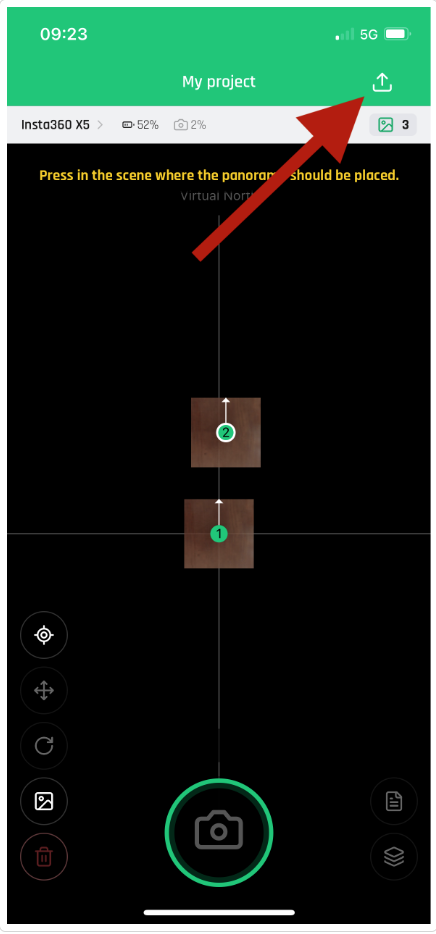
Once done, Export the project through the Application
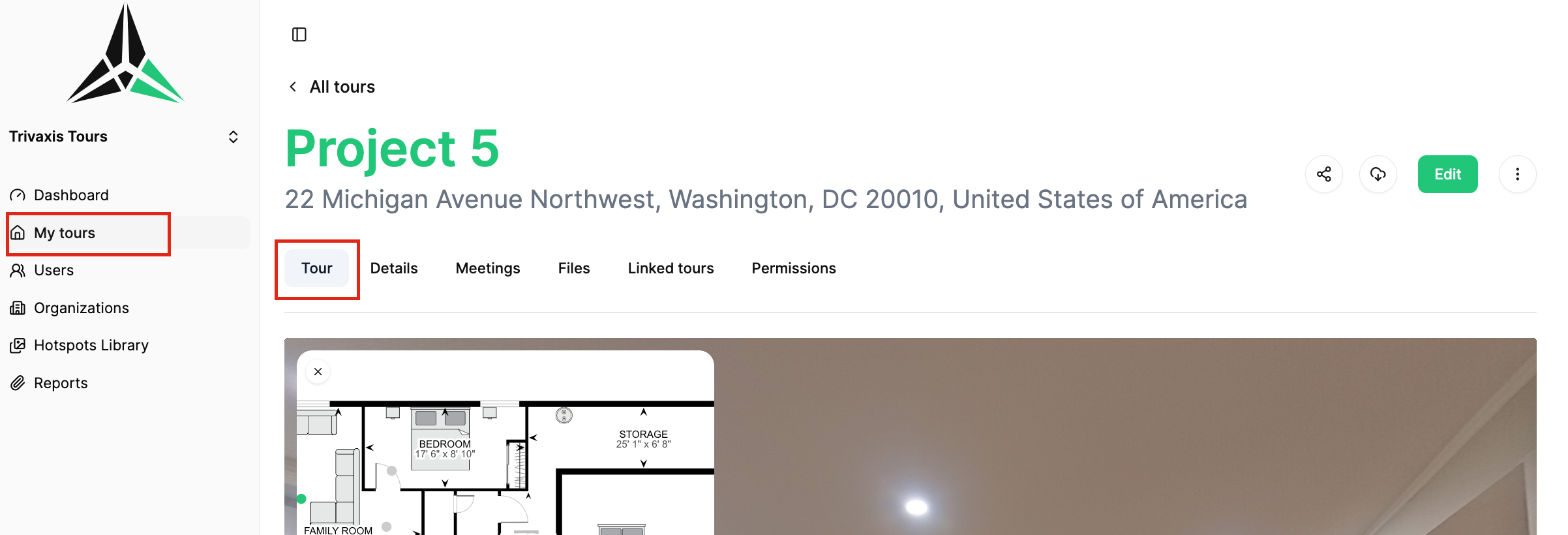
When the project will be completed (24h turnaround time) - an email will be sent and the 3D /2D will be visible in your Project.